18 Chill Gaming Room Ideas With Cozy Vibes
You’re spending hours in your gaming room, so the environment matters. Muted tones like soft blues and grays reduce eye strain, while layered lighting transforms how you feel during extended sessions. Your setup’s comfort directly impacts performance and well-being. The right color palette, furniture choices, and lighting strategy create a sanctuary that supports both focus and relaxation. What makes the difference between an ordinary room and one that truly works for you?
Start With Color: Pick a Gaming Room Palette That Won’t Tire Your Eyes
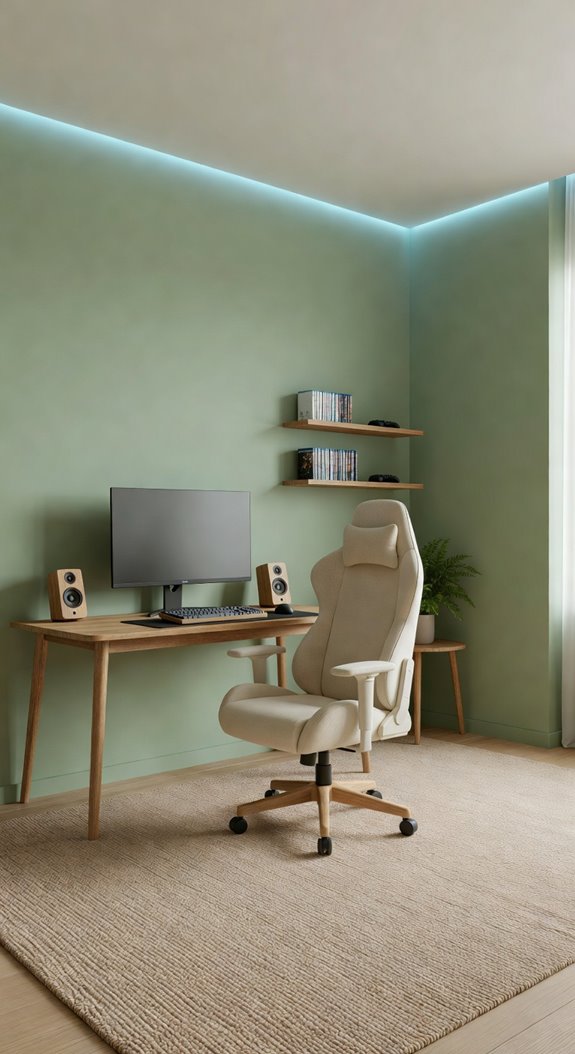
How does your gaming room’s color scheme affect your ability to focus during long sessions? You’ll want to choose cool, muted tones like soft blues, grays, and greens that reduce eye strain. Avoid bright whites and intense saturations. Incorporate these calming colors through wall paint, lighting, and furniture selections to create an environment supporting extended gameplay without visual fatigue. For an added layer of tranquility, you might even draw inspiration from forest-themed fantasy decor to weave in natural greens and earthy tones that feel both grounding and visually restful.
Warm Lighting Sets the Mood From the Moment You Enter
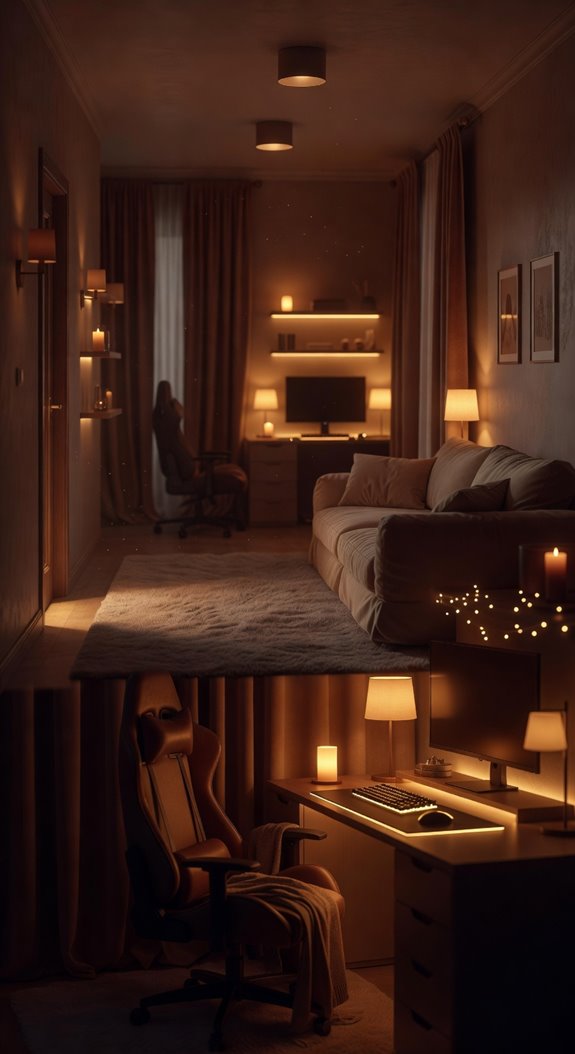
Why does lighting matter so much in your gaming setup? Warm lighting creates a relaxing atmosphere, reducing eye strain during extended sessions. Install dimmable LED bulbs with color temperatures between 2700K and 3000K, positioning them behind your monitor and around your room’s perimeter. This indirect lighting approach minimizes glare while establishing an inviting environment that encourages longer, more comfortable gaming experiences. Drawing inspiration from cozy fantasy bedrooms can help you achieve that perfect storybook warmth that transforms your gaming space into a true retreat.
Layer Your Lighting for Different Game Genres and Times of Day
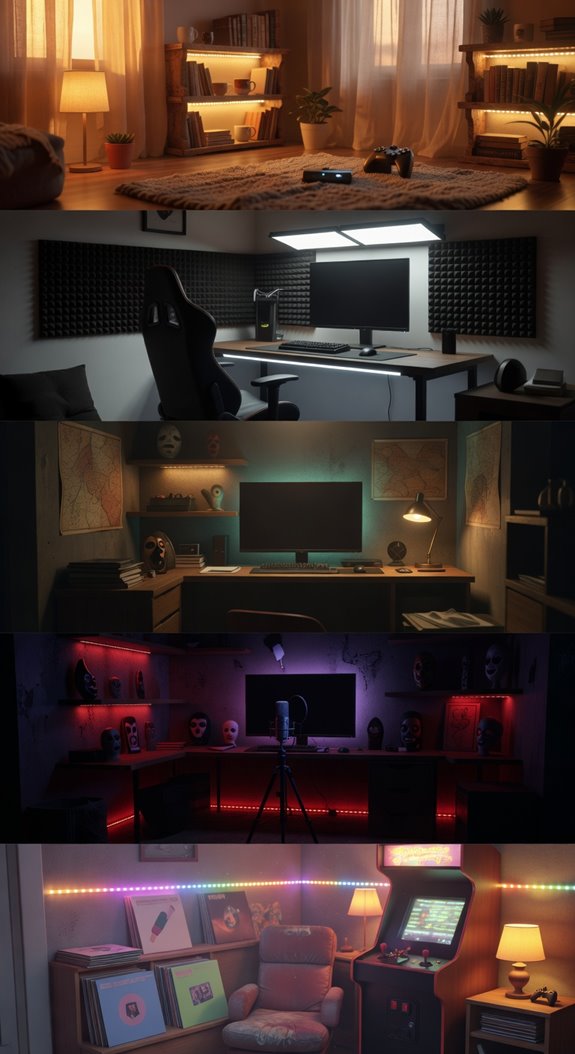
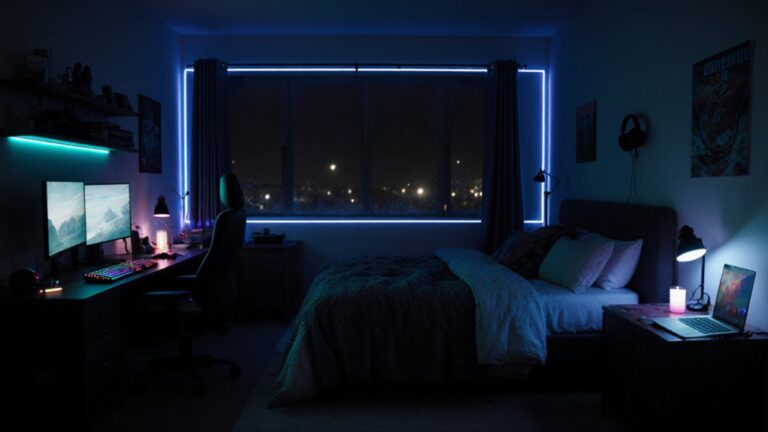
While warm base lighting establishes your room’s foundation, layering multiple light sources allows you to customize your environment for specific gaming needs. Install dimmable overhead lights, LED strips behind your monitor, and accent lamps positioned strategically around your space.
Adjust brightness levels during daytime gaming sessions, then reduce intensity for evening play. This flexibility ensures comfortable visibility while minimizing eye strain across different game genres and times. For a more relaxing late-night session, consider incorporating soft pastel lighting tones that create a calming atmosphere without overwhelming your senses.
A Quality Gaming Chair Is Non-Negotiable for Long Sessions
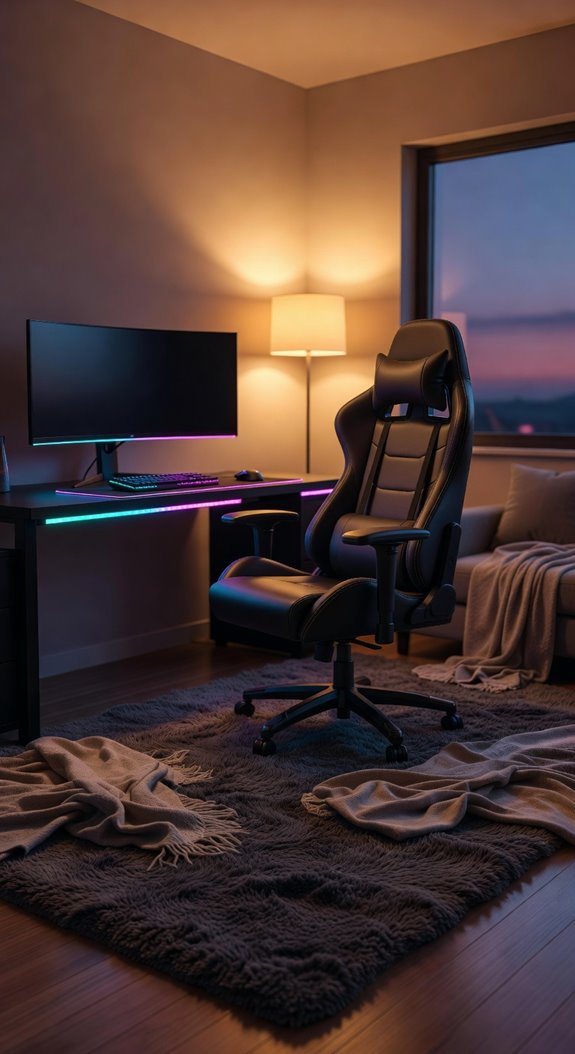
After hours of intense gaming, you’ll notice that an uncomfortable chair creates back pain, neck strain, and poor posture that directly impacts your performance.
Invest in an ergonomic gaming chair with lumbar support, adjustable armrests, and breathable mesh or leather upholstery.
Proper seating enhances comfort during extended sessions, allowing you to focus entirely on gameplay without physical distraction or discomfort affecting your experience. Pairing your setup with moody candlelight ambiance can transform your gaming room into a dramatically intimate space that reduces eye strain and elevates the overall atmosphere during long night sessions.
Your Gaming Desk Should Fit Your Room’s Layout and Aesthetic
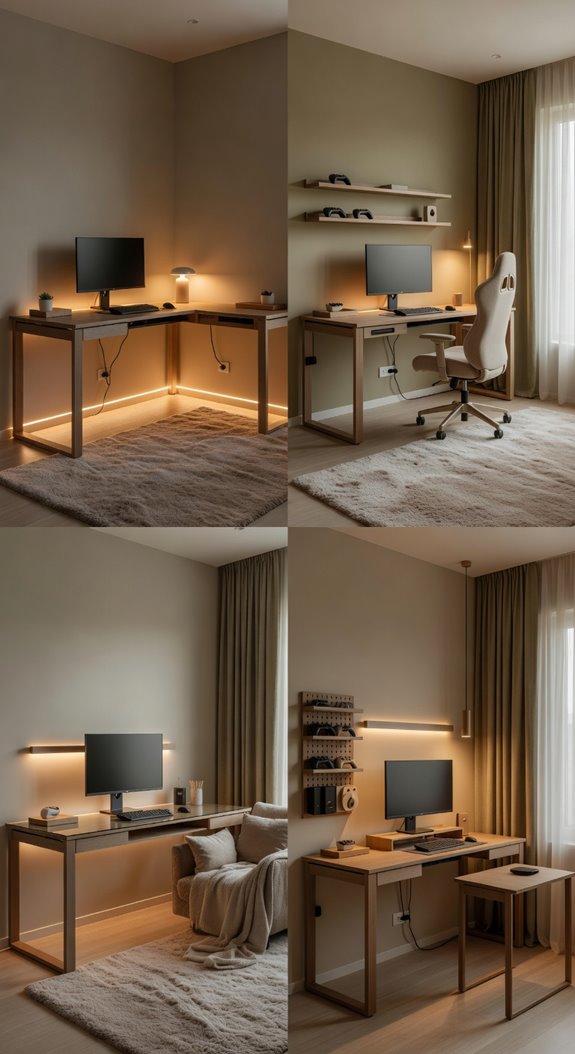
How you position your gaming desk determines whether your setup enhances or disrupts your room’s flow and visual appeal.
Choose a desk that complements your room’s color palette and style, whether minimalist or industrial.
Position it against a wall to maximize space, or center it for an open layout.
Match materials like wood or metal to existing furniture for cohesive design aesthetics.
Incorporate floating lights as accents above or around your desk to add an enchanting, weightless atmosphere that elevates the overall aesthetic.
Area Rugs Add Warmth Underfoot While Reducing Noise
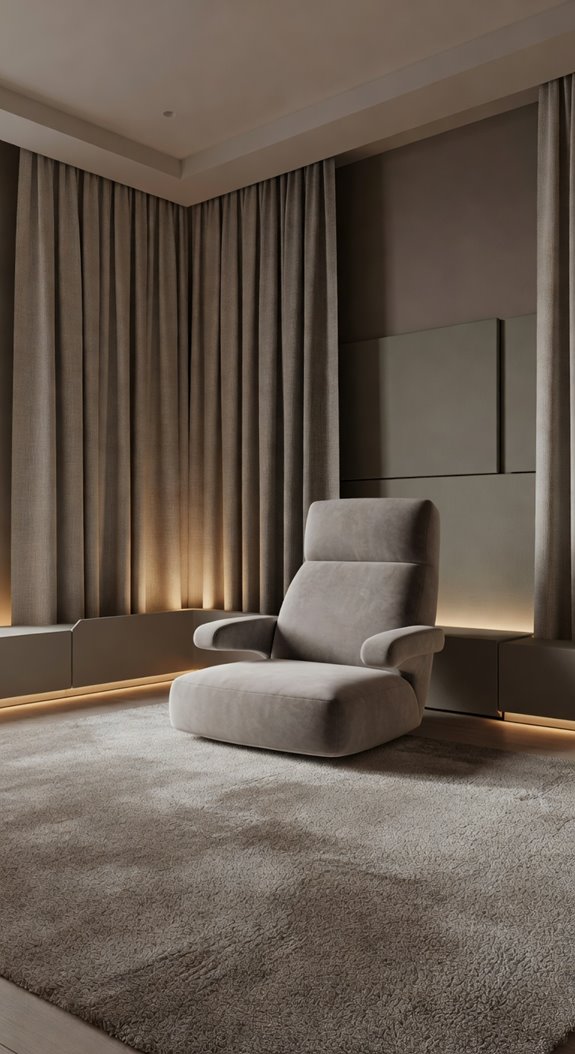
Have you considered that area rugs do much more than add visual interest to your gaming room? They absorb sound from keyboard clicks and footsteps, creating a quieter environment. Wool or high-pile rugs work best for noise reduction. Darker colors hide dust, while larger rugs anchor your gaming setup and provide comfort underfoot during extended sessions. Pairing your rug with floor-seating arrangements can further elevate the casual, welcoming atmosphere of your gaming space.
Plants Bring Life to Dark Gaming Rooms (And They’re Forgiving)
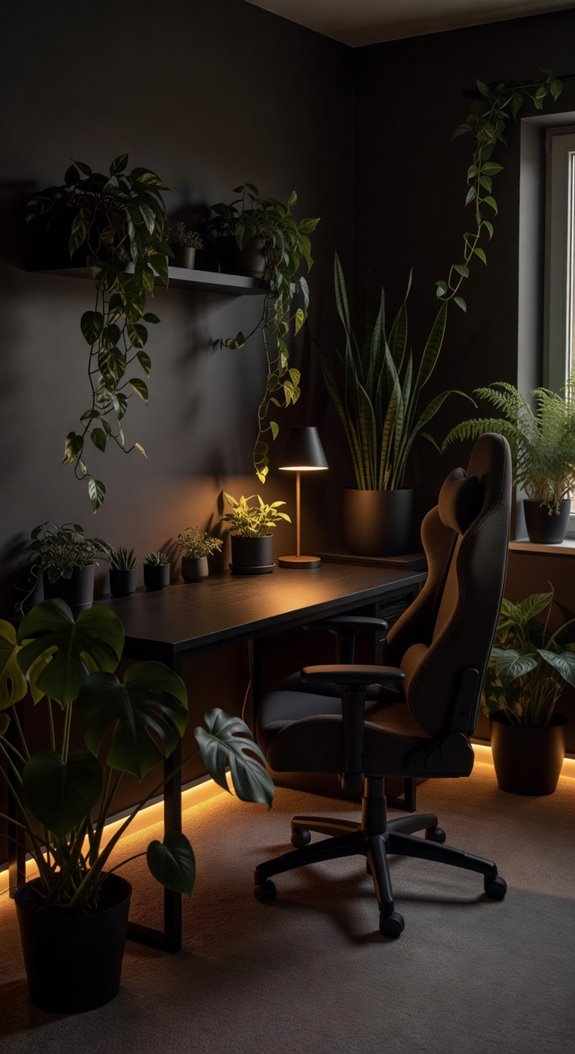
Gaming rooms often suffer from poor natural light, creating dark environments that feel isolating during long sessions. You’ll find that low-light plants like pothos, snake plants, and ZZ plants thrive in these conditions without demanding attention. They’re forgiving species that tolerate neglect, purify air, and add visual interest to your space. Position them on shelves or stands for maximum impact. For an even cozier atmosphere, consider pairing your greenery with warm fairy lights draped nearby to create that fantasy-inspired ambiance bibliophiles swear by.
Throw Blankets and Pillows Make Your Setup Genuinely Cozy
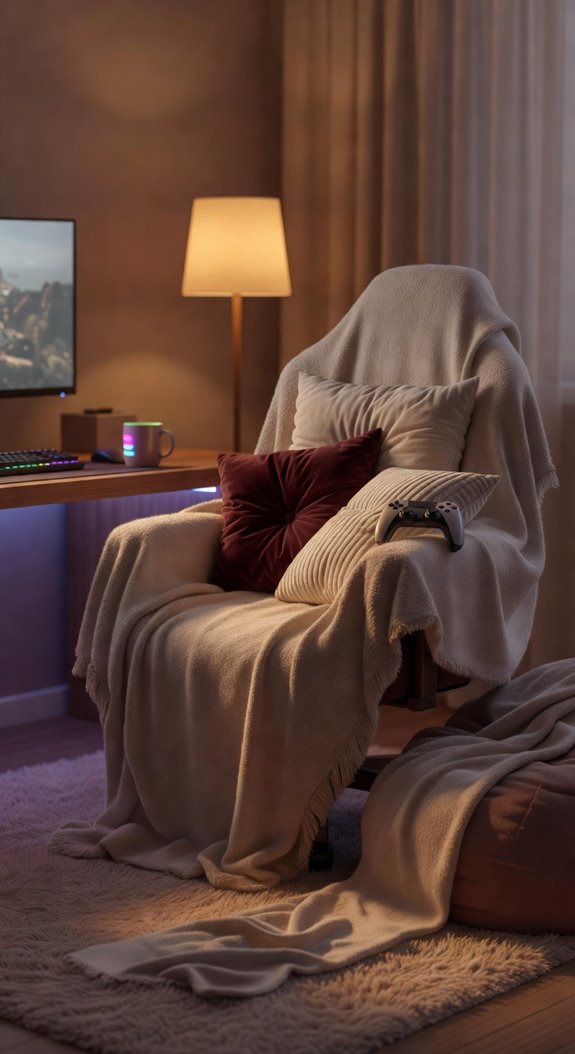
While plants improve air quality and aesthetics, your gaming room truly becomes inviting when you layer in soft textiles that encourage relaxation during extended sessions. Choose throw blankets in neutral tones like gray or charcoal, then add supportive pillows behind your chair. Quality fabrics enhance comfort, reduce fatigue, and transform your space into a genuinely welcoming environment for long gaming marathons. For an added layer of personality, incorporating earthy witchy decor elements like natural textures and mystical accents can give your gaming room a uniquely atmospheric and cozy feel.
Keep Your Temperature Comfortable During Marathon Gaming Sessions
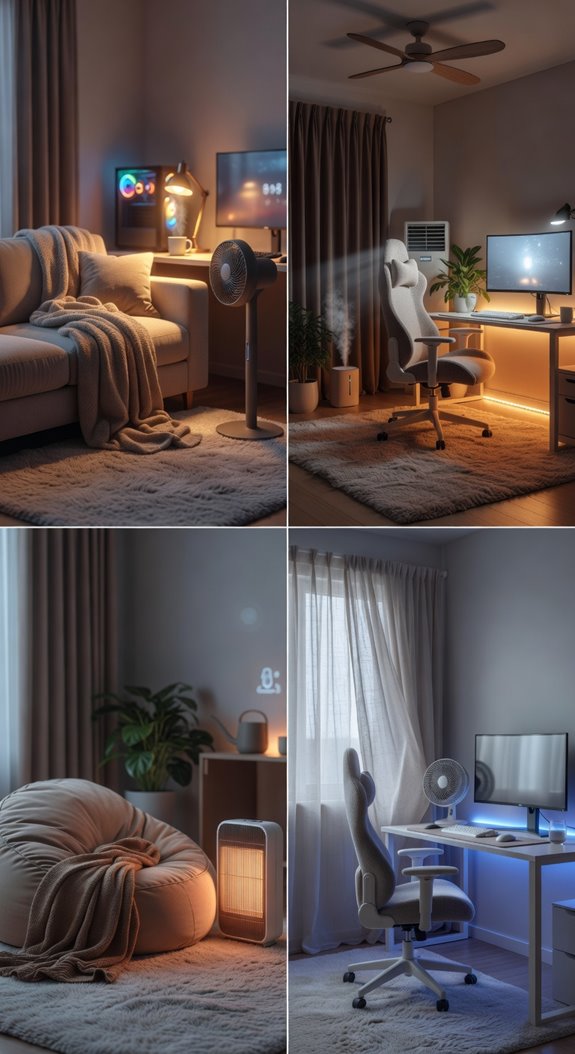
How do you maintain focus and comfort during a twelve-hour gaming session when your room temperature fluctuates? Install a programmable thermostat set between 68-72°F, which promotes optimal cognitive function. Position a small fan nearby for air circulation, or use a space heater during colder months. Layered clothing allows temperature adjustment without interrupting gameplay. Proper ventilation prevents heat buildup from equipment, ensuring sustained concentration and physical comfort throughout extended sessions. Incorporating gentle palettes and textures into your gaming room décor can also create a calming atmosphere that supports long-term comfort and focus.
Soundproofing and Acoustic Panels Transform Your Space Into an Immersive Bubble
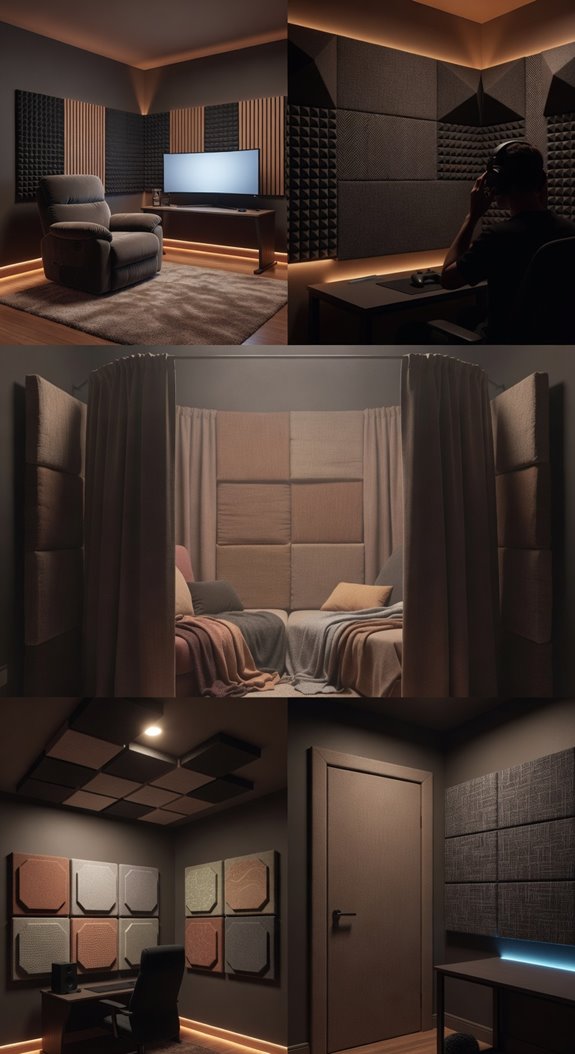
Once you’ve dialed in your room’s temperature, you’re ready to address another critical factor in your gaming setup: sound control. Acoustic panels absorb ambient noise, reducing distractions during immersive gameplay. Install foam panels on walls, positioning them strategically near speakers and your gaming station. Dark colors like charcoal or black blend seamlessly with gaming aesthetics while dampening sound effectively throughout your space. Complement your acoustic setup with creative fairy light arrangements along the ceiling or behind your monitor to add a magical, cozy ambiance without disrupting your soundproofing efforts.
A Multi-Monitor Setup Needs Glare Control and Proper Mounting
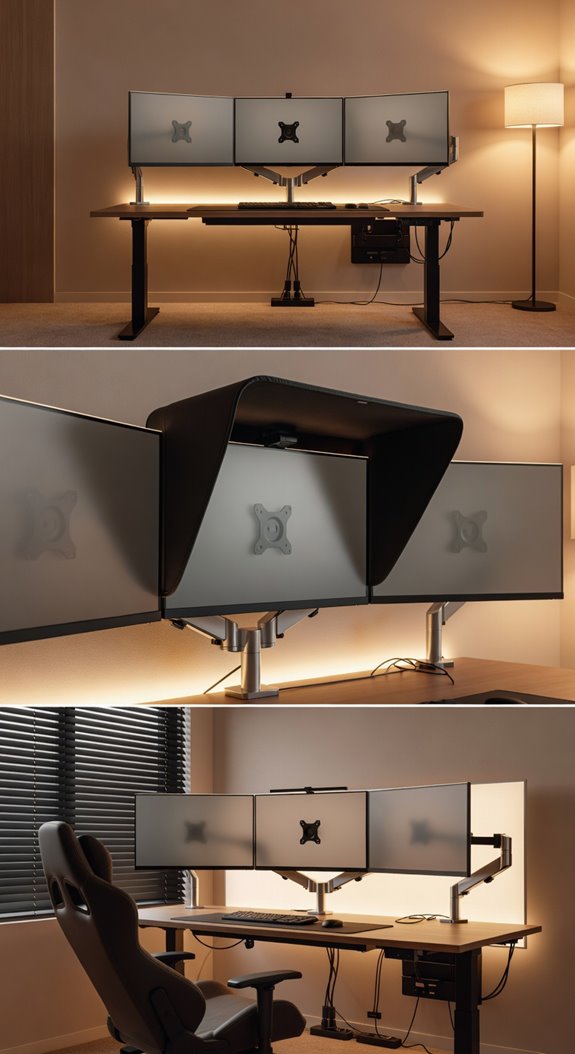
If you’re serious about optimizing your gaming experience, a multi-monitor setup demands careful attention to glare control and proper mounting solutions. Install anti-glare screens or position monitors away from direct light sources.
Use adjustable VESA mounts to achieve proper ergonomic angles, reducing neck strain.
Quality mounting hardware ensures stability during intense gameplay sessions, preventing monitor wobble and maintaining visual consistency across your setup.
Cable Management Keeps Your Space Looking Sharp, Not Chaotic
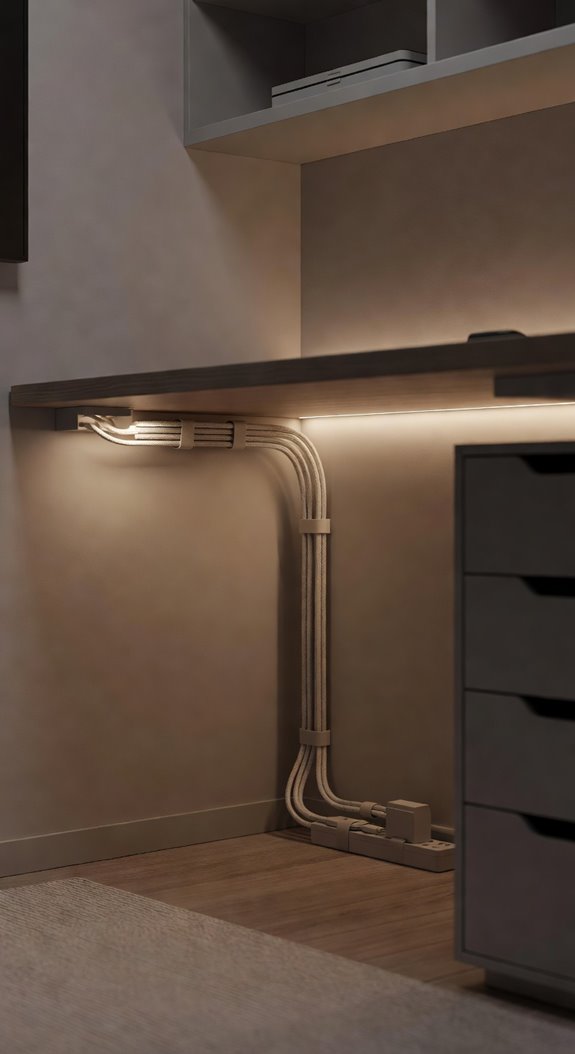
Cable management transforms your gaming room from cluttered and unprofessional to organized and visually cohesive. You’ll want to use cable ties, sleeves, and conduit to bundle wires together neatly. Route cables behind your desk, along baseboards, and through wall-mounted channels. Label everything clearly so you’ll identify connections quickly. This approach maintains your calm gaming environment while protecting your equipment from accidental damage.
Floating Shelves Let You Display Your Collection Without Eating Desk Space
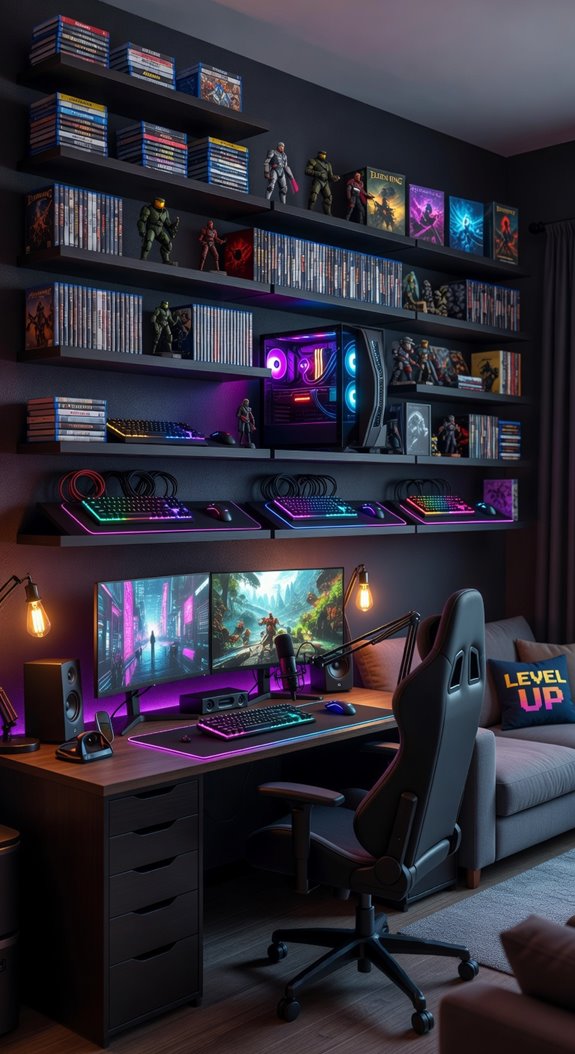
Where should you display your gaming collection without sacrificing valuable desk real estate? Floating shelves offer an ideal solution, utilizing vertical wall space efficiently. Install shelves at varying heights using sturdy brackets and quality anchors, creating visual interest while keeping your peripherals, figurines, and controllers organized. This approach maximizes your room’s functionality without cluttering work surfaces.
Wall Art and Posters Should Tell Your Gaming Story
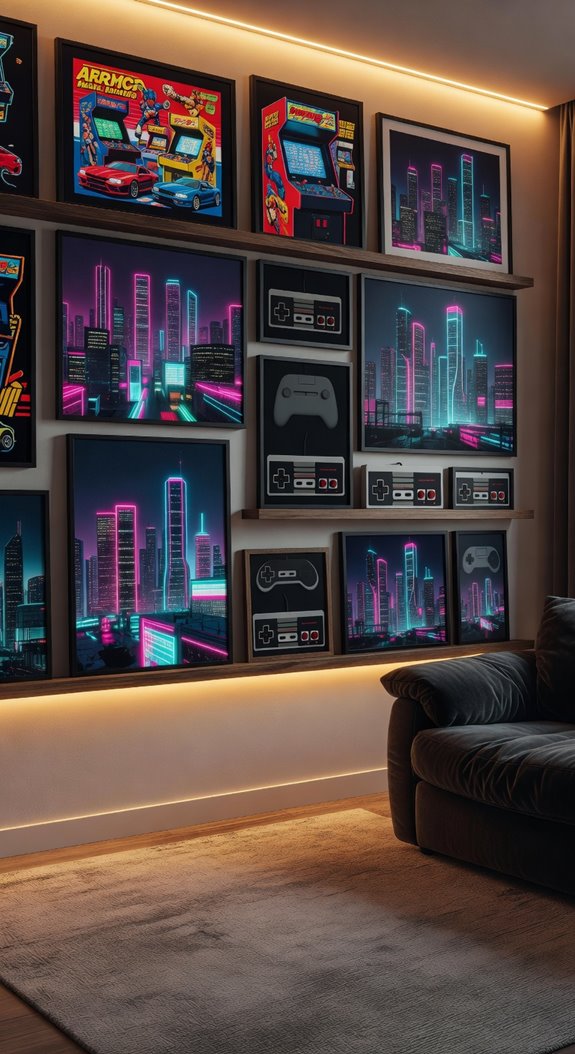
How can your walls become a personal reflection of your gaming passion?
You should select posters and artwork that showcase your favorite games, characters, and memorable moments.
Hang framed prints in complementary colors that match your room’s aesthetic.
Mix different sizes and styles, creating visual interest without overwhelming the space.
Your wall display transforms the room into a personalized gaming sanctuary.
Smart Storage Hides Gear and Keeps Clutter Invisible
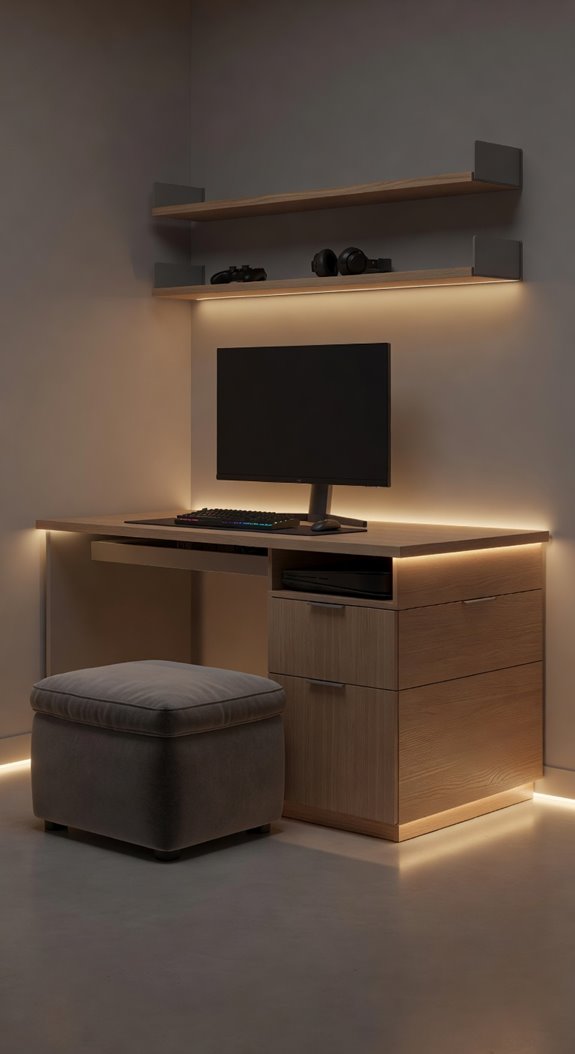
Your gaming room’s visual appeal depends on more than just what you display on the walls; it also requires smart management of all the equipment, cables, and accessories you’ll accumulate over time. Invest in closed shelving units, cable organizers, and under-desk storage solutions that keep gear hidden from view. These systems maintain your aesthetic while ensuring everything remains accessible and functional for your gaming sessions.
Background Music and White Noise Help You Focus Deeper
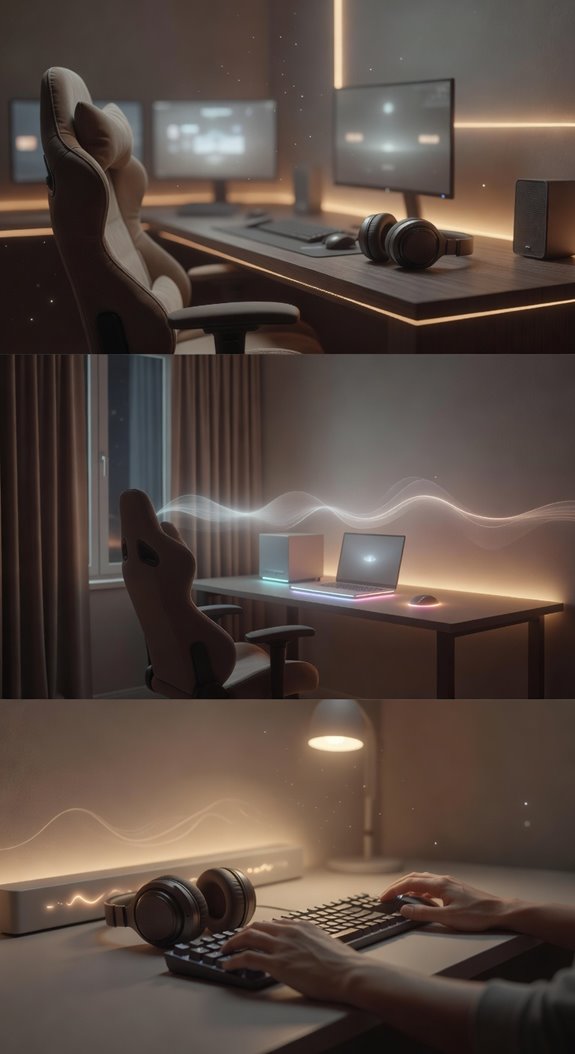
While you’re focused on your gaming performance, the right audio environment can particularly enhance your concentration and reduce mental fatigue during extended sessions.
Ambient background music at low volumes, typically between 40-60 decibels, creates a consistent auditory backdrop that masks distracting environmental sounds.
White noise generators or lo-fi playlists help establish focus without demanding active listening attention.
Create a Cozy Break Nook for Gaming Downtime
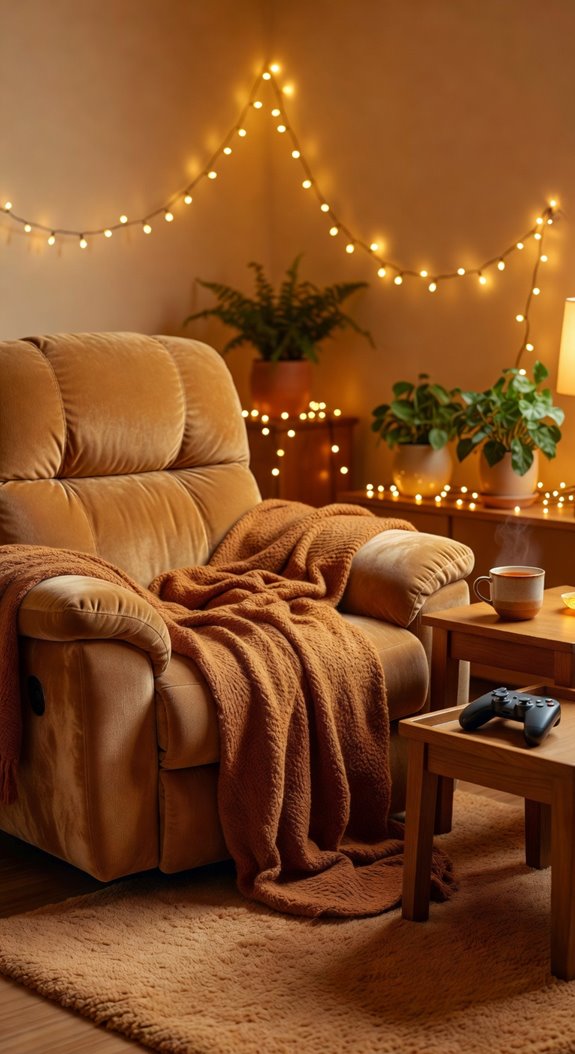
Even the most dedicated gamers need breaks from intense sessions, and creating a dedicated rest area within your gaming room helps you recharge without leaving your space. Consider adding a comfortable chair, soft throw blanket, and dim lighting to your break nook. Include a small side table for beverages or snacks. This separate zone encourages mental recovery during extended gaming periods.
Personal Touches Transform Your Gaming Room Into Your Sanctuary
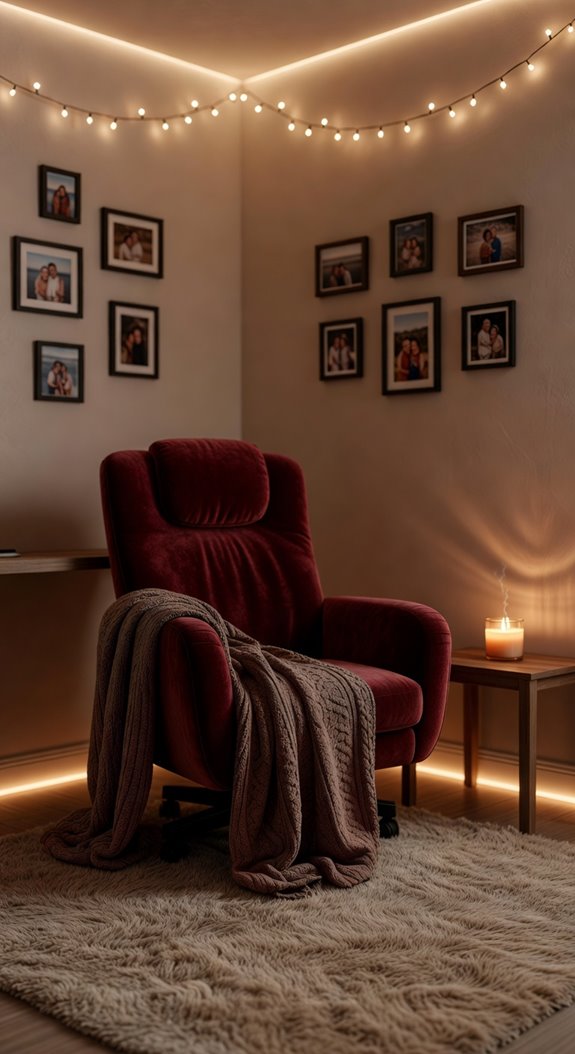
A gaming sanctuary reflects who you are, and incorporating meaningful elements throughout your space transforms it from a generic room into a personalized retreat. Display collectibles, artwork, or photographs that resonate with your interests. Choose a color palette reflecting your personality, then layer in textures through rugs, cushions, and wall treatments. These intentional choices create an environment uniquely yours.
Lighting Sets the Mood
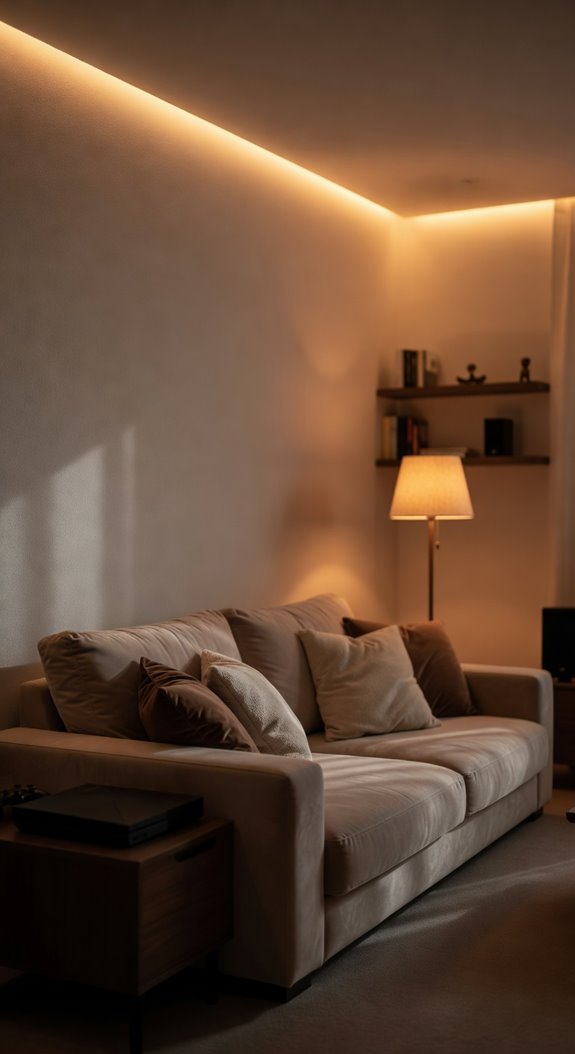
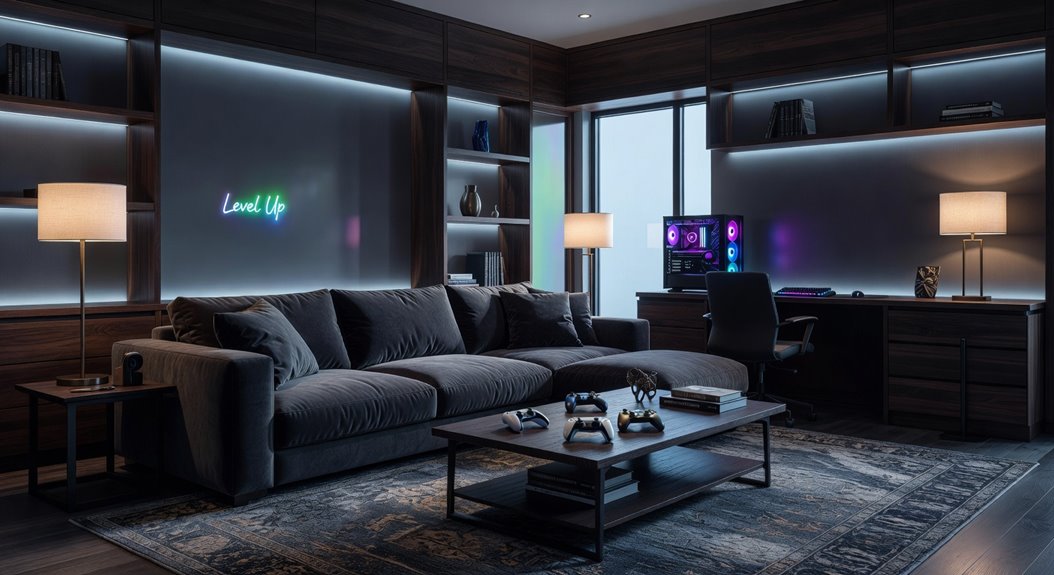
How does lighting shape your gaming experience? Strategic lighting transforms your space’s atmosphere, reducing eye strain while enhancing gameplay focus. Install warm LED strips behind your monitor, creating ambient backlighting that complements your setup. Layer dimmable overhead lights with desk lamps, allowing you to adjust brightness for different gaming sessions and times of day.
Common Mistakes
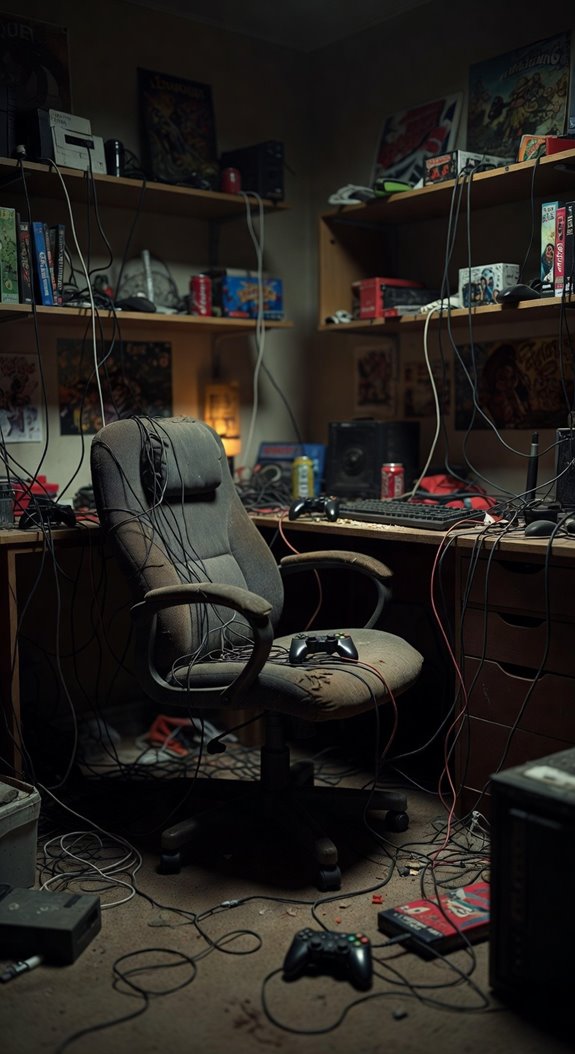
While perfecting your lighting setup matters, overlooking common design pitfalls can still undermine your gaming room’s functionality and comfort. You’ll want to avoid cluttered layouts that restrict movement, poor cable management creating visual chaos, and inadequate seating ergonomics causing physical strain. Don’t neglect soundproofing either, as it prevents noise disturbance. Additionally, selecting mismatched color schemes disrupts the cohesive atmosphere you’re building throughout your space.
Final thoughts
You’ve now got the foundation for building your ideal gaming sanctuary. By combining muted color palettes, layered warm lighting, and ergonomic furniture, you’re creating an environment that supports extended gaming sessions. Remember to personalize your space with meaningful collectibles and comfort items. These thoughtful elements work together to reduce eye strain, enhance focus, and transform your room into a place where you genuinely want to spend your time.